- Display problems
- The Easy Timetable screens are best viewed with the MOST RECENT internet browsers Google Chrome or FireFox and a screen resolution of 1200 x 768 or higher.
- If you are using an old version of internet explorer mainly, some display problems may occur, such as scroll bars that do not appear and slow loading speed.
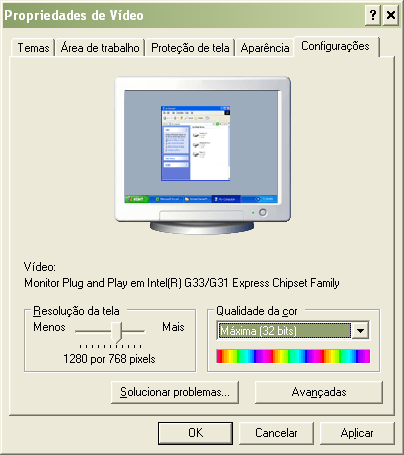
To solve the scroll bar problem, it is necessary to increase your system's resolution to a minimum of 1200 x 768. - See how to proceed to change the resolution in Windows:
- Minimize all the windows on your desktop and RIGHT-CLICK, or open the Windows Control Panel and CLICK DISPLAY SETTINGS.
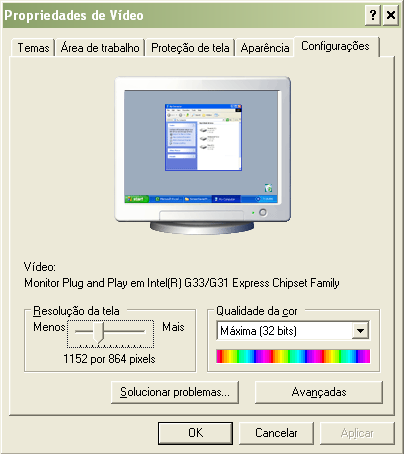
- Then, change the resolution to at least 1200 x 768, or higher, and click APPLY and OK.
- If you still have display problems, take a screenshot of the screen with the problem and send it by email to contato@horariofacil.com so that we can help you.